How to Print Coloring Pages Without a Printer (Cheap and Easy Options)
Quick answer
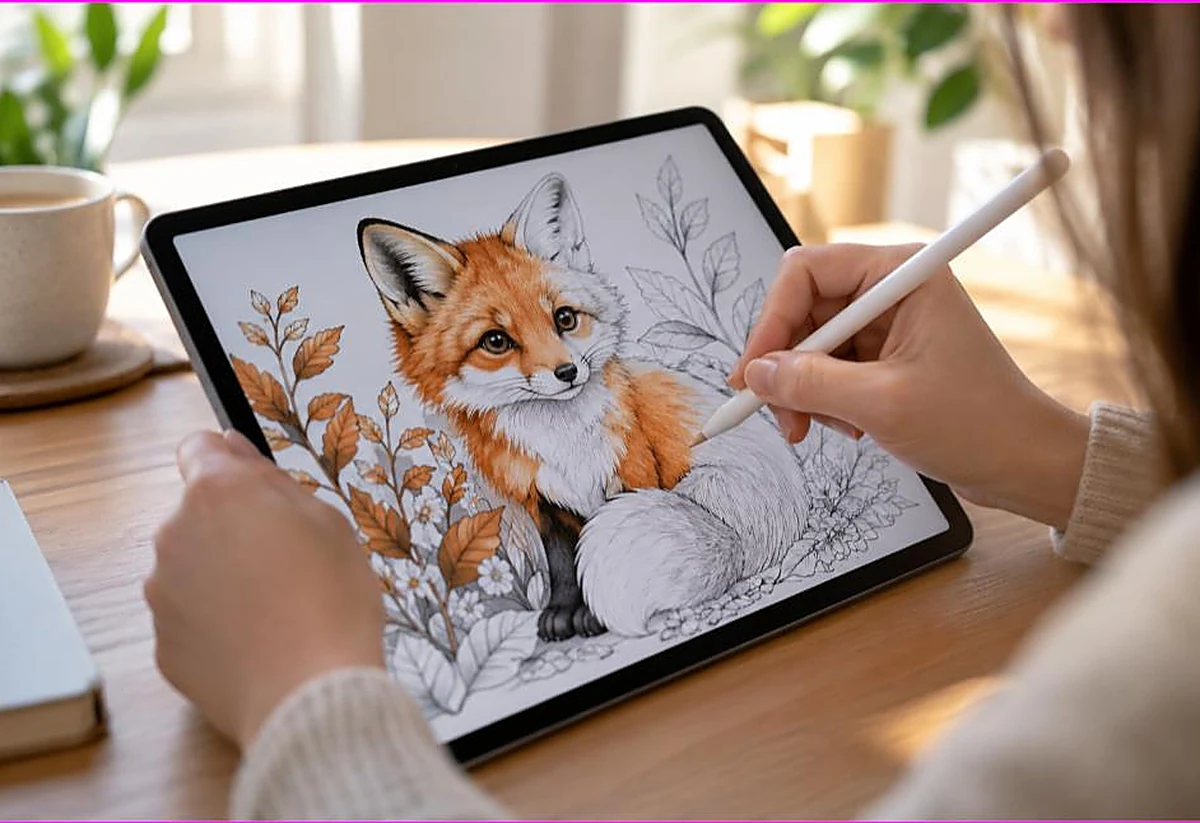
No printer? You can still get coloring pages: email the file to a local library, pharmacy photo counter, or print shop (Staples, FedEx Office), use a friend’s or school’s printer, or color digitally on a tablet with a drawing app. Many libraries print pages for a few cents each.
By the TheColoringPages.net team. Reviewed for accuracy, September 2026.
This guide to Without Printer gives clear, practical answers, drawing on printing and years of hands on coloring.
No printer at home? You can still get coloring pages printed, often for pennies a sheet, without buying a machine. Libraries, print shops, pharmacies, and print apps all turn a downloaded file into a stack of ready to color pages.
This guide walks through each option, what it costs, and how to prepare your file so it prints correctly wherever you go.
Quick answer: To print coloring pages without a printer, save the PDF to a USB drive or a cloud account, then print at a public library, an office supply store like Staples or Office Depot, or a pharmacy photo counter. Libraries are usually the cheapest, often under a dollar per page. Many stores also let you upload files online and collect the prints.

Option 1: Your local library
For most people, the public library is the cheapest and easiest choice.
Nearly every library offers public printing. You bring your file on a USB drive, or log in to a library computer and open it from your email or cloud account, then send it to the library printer. Staff can help if you are unsure.
Library printing usually costs a small amount per page, often around ten to twenty cents for black and white, which is all a coloring page needs. Some libraries even offer a number of free pages per day.
The library route suits anyone printing a modest number of pages now and then. It is affordable, close to home, and you can print a whole set for a class or party in one visit.
Option 2: Office supply and print shops
Stores like Staples, Office Depot, and FedEx Office offer self service and staffed printing, which is handy for larger batches.
You have two ways to use them. You can bring a USB drive and use a self service machine in the store, much like a library. Or you can upload your file to the store’s website ahead of time, then collect the finished prints at the counter. Uploading first saves time and lets you choose paper and settings online.
These shops cost a little more than a library per page, but they handle big batches smoothly and offer choices a library may not, such as cardstock or larger paper sizes. If you want a set printed on heavier paper for markers, a print shop is a good fit. Our guide on the best paper for coloring pages explains which weights suit which tools.
Option 3: Pharmacy and retail photo counters
Pharmacies and big box stores with photo departments can print coloring pages too, though the approach is slightly different.
Stores like a pharmacy photo counter are set up for photos, so they print on photo paper by default. That works for a keepsake coloring page but is not ideal for everyday coloring, since crayon and pencil slide on glossy photo paper. Ask whether they can print on plain or matte paper for coloring, or use this route mainly for special pages.
You usually upload your file through the store’s photo app or website, then collect the prints in an hour or so. It is convenient if you are already headed to the store, and good for a small number of keepsake pages.
Option 4: Print from an app or service
Several apps and online services print your files and mail them to you, or connect you to a nearby print location.
Some printer makers and third party apps let you upload a file and pick up prints at a partner store. Online print services will mail a printed batch to your door, which suits large orders or when you have no shop nearby, though shipping adds cost and time.
For a single coloring page, these services are usually overkill. They make more sense for a big batch, a bound coloring book, or when you want something printed and delivered without leaving home. Our guide on how to make your own coloring book covers print on demand for full books.

How the costs compare
Here is a rough guide to help you choose, based on typical pricing.
| Option | Rough cost per page | Best for | |—|—|—| | Public library | Free to about 20 cents | Small batches, everyday coloring | | Office supply store | 15 to 50 cents | Large batches, cardstock, uploads | | Pharmacy photo counter | Photo pricing, higher | Keepsake pages on nice paper | | Print and mail service | Higher, plus shipping | Big orders, books, home delivery |
For plain black and white coloring pages, the library almost always wins on price. For anything special or in bulk, a print shop is the next best step.
How to prepare your file
Wherever you print, a little prep makes sure the page comes out right.
Save the coloring page as a PDF, not a screenshot. A PDF holds the exact page size and prints sharp, while a screenshot can come out blurry or wrongly sized. Every page on our site downloads as a proper PDF, so it is ready to print anywhere.
Put the file somewhere you can reach it at the shop. A USB drive works at libraries and self service machines. A cloud account like Google Drive, or the file in your email, works when you log in to a store computer or upload to a store website.
Know your settings. When you print, choose “Fit to Page” and the correct paper size, Letter or A4. If staff are printing for you, ask for black and white on plain paper to keep the cost down. Our guide on how to print coloring pages at home explains these settings, and they apply at a shop too.
A tip for schools and parties
If you need many copies, such as a page for every child in a class or at a party, batch printing at a shop is the smart move.
Upload the file once, set the copy count, and collect the whole stack in one trip. This is faster and often cheaper per page than printing at home, since shops price bulk black and white low. Ask about a bulk rate if you are printing dozens of pages.
For reusable party or classroom pages, consider having a few printed on cardstock and laminating them, so they last across many uses. Our guide on how to laminate coloring pages shows how.
Printing while traveling or away from home
You do not have to be at home to print coloring pages. This helps on trips, at grandparents’ houses, or during a long wait somewhere.
Hotels often have a business center with a printer, and staff can usually help you print a file from your email or a USB drive. Co working spaces and some cafes offer printing too. Even many schools and community centers will let a parent print a page or two.
The key is keeping your file reachable. Save the coloring page to a cloud account before you travel, so you can open and print it from any computer you find. This turns almost any location with a printer into a place you can get pages for a restless child.
For a car trip, printing a small stack before you leave and slipping them into a folder is the simplest plan of all. Our guide on coloring pages for road trips covers travel coloring kits.
Making shared prints last longer
When you pay per page at a shop, you naturally want each print to go further. Reusable pages do exactly that.
Print a few pages on cardstock at a print shop, then laminate them at home or slip them into sheet protectors. Your child colors with dry erase markers, wipes them clean, and uses them again. One paid print then serves for weeks instead of a single sitting.
This works well for the pages a child returns to often, and for classroom or party use where the same page gets colored many times. Our guides on how to laminate coloring pages and reusable dry erase pages show both methods.

When buying a cheap printer makes sense
If you find yourself printing coloring pages every week, the math may tip toward owning a printer.
A basic inkjet or laser printer costs little, and printing at home then costs only paper and ink. For a family that colors daily, this quickly beats paying per page at a shop. A laser printer is especially economical for black and white line art, since toner lasts a long time.
So the shop routes in this guide are perfect for occasional printing, travel, and big one off batches. But if coloring is a daily part of your home, a modest printer pays for itself before long.
Getting the best result at a shop
A printed page is only as good as the settings used, even when someone else runs the printer. A few requests get you a better result.
Ask for black and white on plain paper for everyday coloring, since it is cheapest and gives clean lines that crayons and pencils grip well. Ask for “Fit to Page” so the picture fills the sheet rather than printing small. If the page is a keepsake, ask for cardstock, which most print shops stock.
If you are using a self service machine, you control these yourself. Choose black and white, set the paper size to match the tray, and pick “Fit to Page” before you print. These are the same settings you would use at home, covered in our guide on printer settings for coloring pages.
Bringing a proper PDF rather than a screenshot matters most of all, since even the best printer cannot fix a blurry, wrongly sized image. Start with a clean file, choose the right settings, and a shop print looks just as good as one from home.
Frequently asked questions about without printer
Where can I print coloring pages without a printer?
Public libraries, office supply stores like Staples and Office Depot, and pharmacy photo counters all print files you bring on a USB drive or upload online. Libraries are usually the cheapest.
How much does it cost to print coloring pages at a shop?
Black and white printing usually costs from free up to about fifty cents per page, depending on the location. Libraries are cheapest, while print shops charge a little more but handle large batches and special paper.
Can I print at a library from my phone?
Often yes. Many libraries let you send a file from your phone to their printers through an app or email, or you can log in to a library computer and open the file from your cloud account.
What file should I bring to print?
Bring a PDF, saved to a USB drive or a cloud account. A PDF prints sharp and at the correct size, unlike a screenshot, which can come out blurry or wrongly scaled.
Is it cheaper to print at home or at a shop?
For plain black and white pages, shops and libraries are cheap enough that either works. For large batches, a shop’s bulk pricing can beat home printing, especially when you factor in ink costs.
The takeaway on without printer
You do not need a printer to enjoy coloring pages.
Save your file as a PDF to a USB drive or cloud account. Print at a library for the lowest cost, or a print shop for big batches and special paper. Choose “Fit to Page” and black and white to keep it cheap and clean. For everyday use, a library visit costs pennies, and for large or special jobs, a shop handles it in one trip.
Ready to print? Browse our free printable coloring pages, download a PDF, and take it to your nearest print spot. Every page is built to print cleanly anywhere.