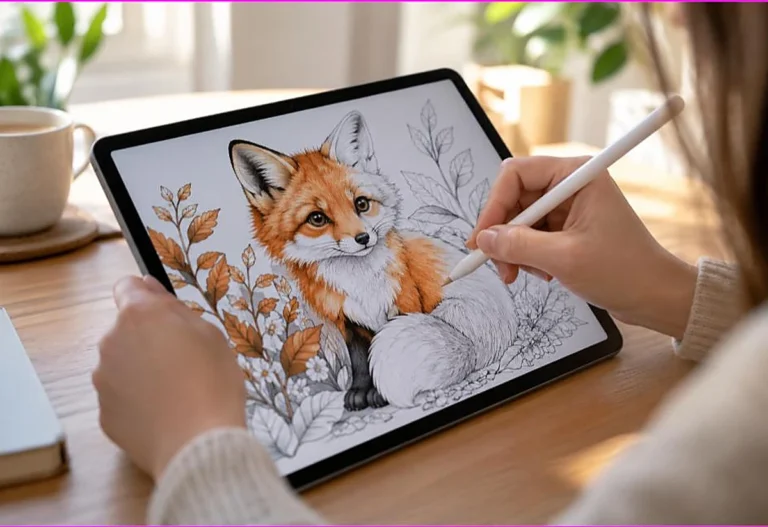
A hand coloring a fox drawing on a tablet with a stylus, a way to enjoy coloring pages without a printer

How to Print Coloring Pages Without a Printer (Cheap and Easy Options)

Quick answer No printer? You can still get coloring pages: email the file to a local library, pharmacy photo counter, or print shop (Staples, FedEx Office), use a friend’s or school’s printer, or color digitally on a tablet with a drawing app. Many libraries print pages for a few cents each. By the TheColoringPages.net team….
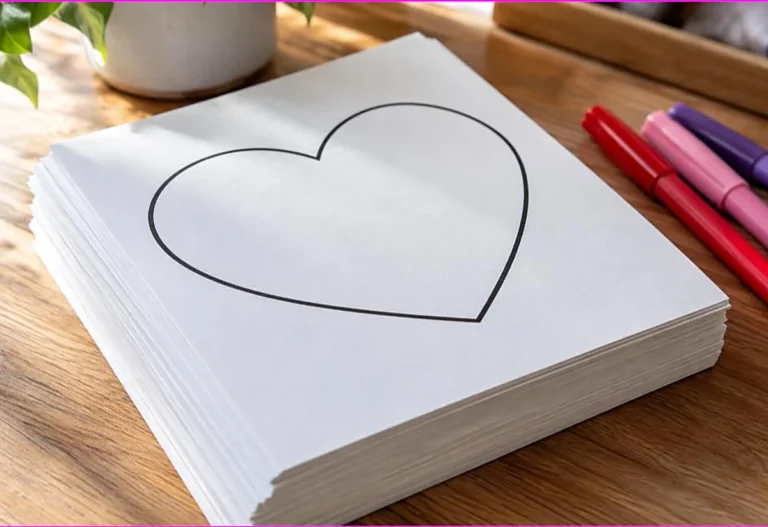
Thick stack of white cardstock with a printed heart coloring page on top and markers beside it, printing coloring pages on cardstock

Can You Print Coloring Pages on Cardstock? (Yes, Here’s How)

Quick answer Yes — cardstock is ideal for coloring pages because the thicker paper (about 65–110 lb / 176–300 gsm) stops markers bleeding through. Load one or two sheets at a time, set your printer’s paper type to “cardstock” or “heavy,” and use the rear or manual feed if you have one so the stiff…

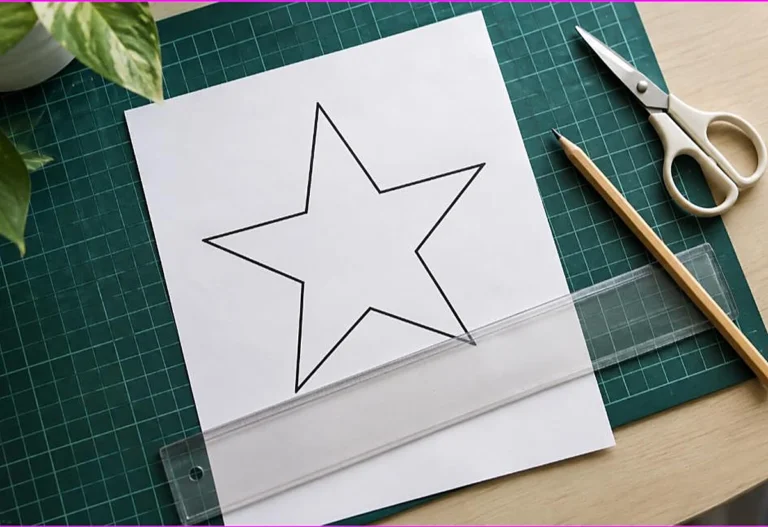
A printed star coloring page on a cutting mat with a ruler, pencil and scissors, showing how to resize a coloring page

How to Resize a Coloring Page (Letter, A4, and Half-Page Prints)

Quick answer To resize a coloring page, use your print dialog’s scaling options: “Fit to page” fills the sheet, or set a custom percentage (50% for half-size, “2 per page” for smaller prints). In a PDF reader, Print → Page Sizing → Custom Scale lets you shrink or enlarge, while “Poster” mode tiles one design…

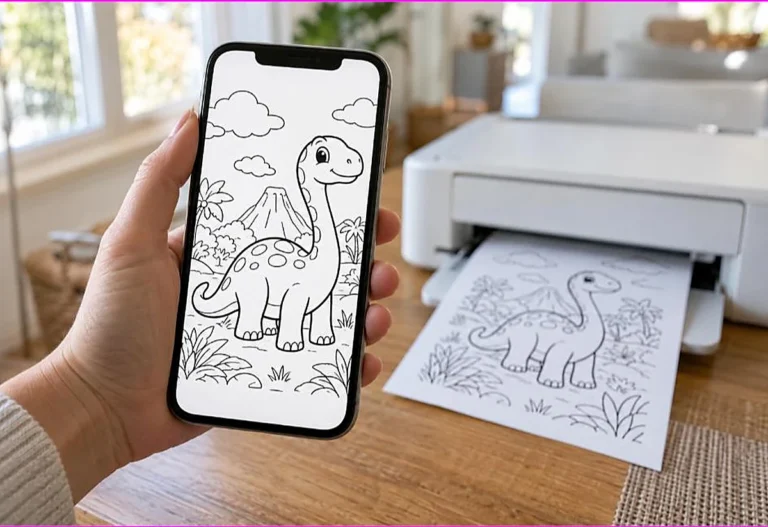
Hand holding a phone showing a dinosaur coloring page while a wireless printer prints the same page, printing coloring pages from your phone

How to Print Coloring Pages From Your Phone (iPhone and Android)

Quick answer To print from your phone, open the PDF or image, tap Share or the menu, choose Print, and pick your printer. iPhones use AirPrint; Android uses the built-in print service or your printer’s app (HP Smart, Canon, Epson). No wireless printer? Save the file to the cloud and print from a computer, or…

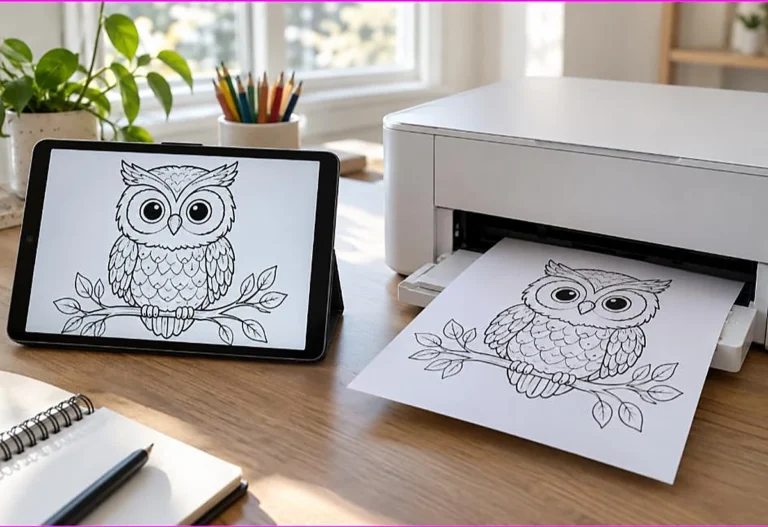
A tablet showing an owl coloring page beside a printer producing the same page, showing how to print a PDF coloring page

How to Print a PDF Coloring Page (The Format Built for Clean Prints)

Quick answer To print a PDF coloring page, open it in any PDF reader, choose Print, select your printer, set paper size to Letter or A4, and pick “Actual size” or “Fit” so nothing is cut off. Print in black and white to save ink. PDFs are the best format because they keep the lines…

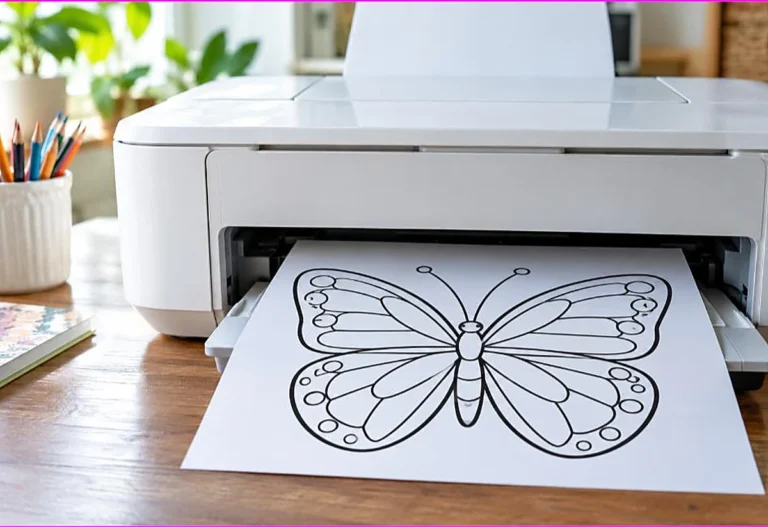
Home printer ejecting a full-size butterfly coloring page that fills the sheet, fixing coloring pages printing too small or cut off

Why Are My Coloring Pages Printing Too Small or Cut Off?

Quick answer If a page prints too small or cut off, it’s almost always a scaling setting. In the print dialog set Page Sizing to “Fit” or “Actual size” (not “Shrink oversized pages”), check the paper size matches your sheet, and turn off any “borderless” option that crops the edges. By the TheColoringPages.net team. Reviewed…

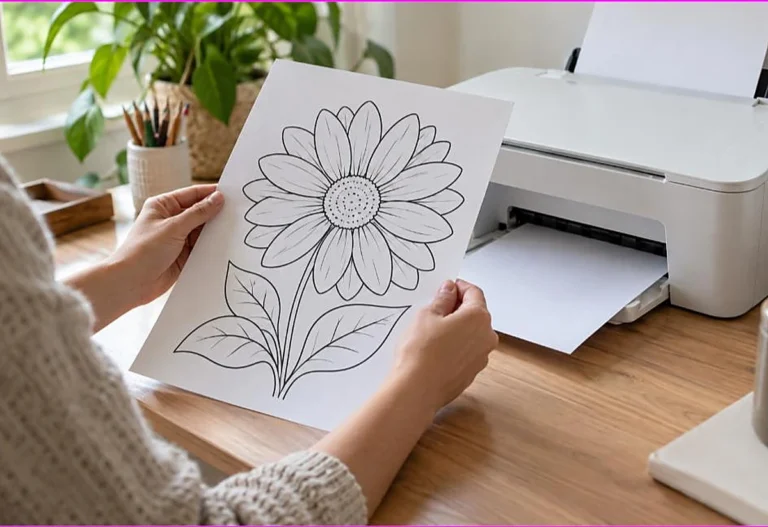
Hands holding a full-size printed flower coloring page beside a home inkjet printer, solving coloring pages not printing full size

Why Won’t My Coloring Pages Print Full Size? (The Fit to Page Fix)

Quick answer When a page won’t print full size, the fix is in the print settings: choose “Actual size” or “Fit to printable area,” confirm the paper size is correct, and make sure “Auto-rotate and center” is on. Printing from the original PDF rather than a screenshot also keeps the design at full size. By…

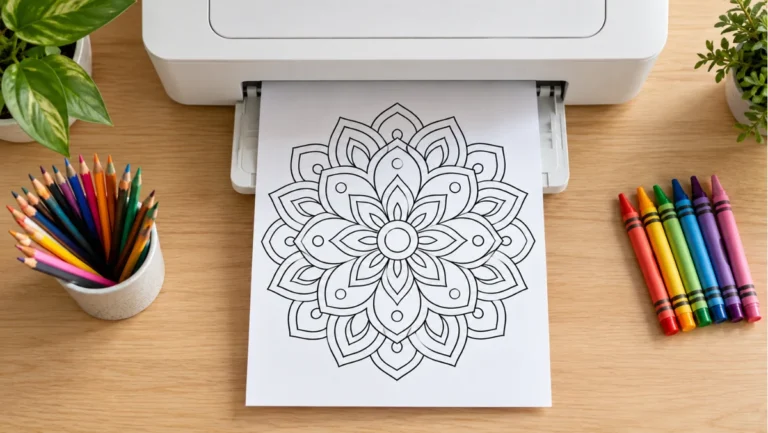
Home printer printing a mandala coloring page with colored pencils and crayons

Best Printer Settings for Coloring Pages (Sharper Lines, Less Wasted Ink)

Quick answer For the best coloring-page prints, set paper size to Letter or A4, scaling to “Actual size” or “Fit,” quality to Normal or High, and color to grayscale to save ink and keep lines sharp. Match the paper type (plain or cardstock), and print at 300 DPI or higher for crisp outlines. By the…

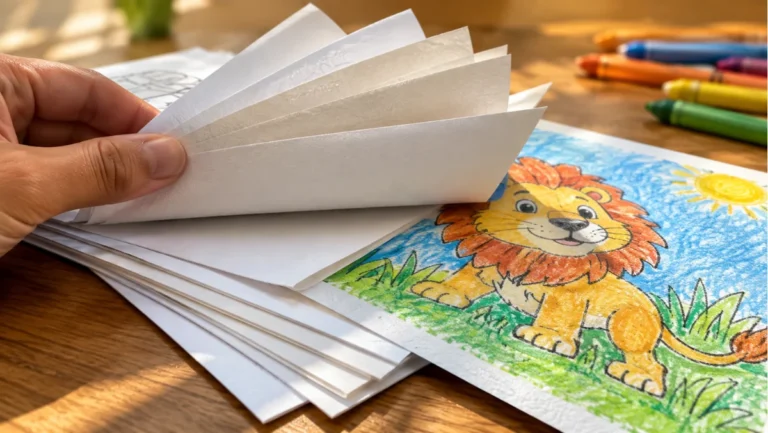
Fanning sheets of coloring paper by thickness with a colored lion page and crayons

Best Paper for Printing Coloring Pages (GSM, Cardstock, and What Actually Matters)

Quick answer The best paper depends on your medium: standard 20–24 lb printer paper suits crayons and colored pencils, while markers need heavier cardstock (65–110 lb) to prevent bleed-through, and alcohol markers do best on marker or mixed-media paper. Smooth, bright-white paper makes colors look most vivid. By the TheColoringPages.net team. Reviewed for accuracy, September…

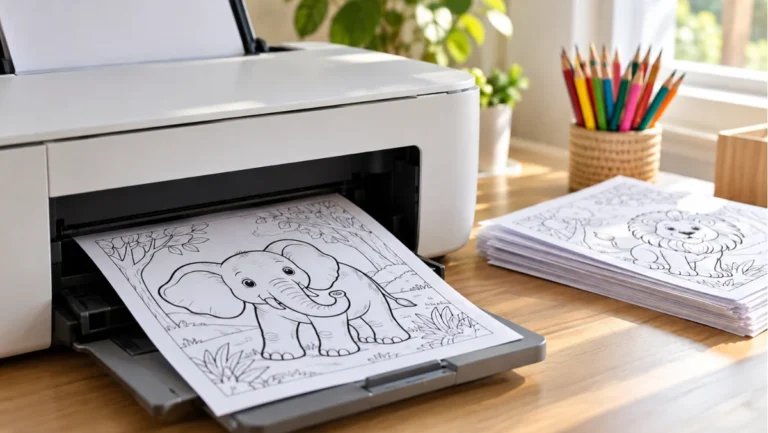
Home printer printing an animal coloring page with a stack of printed pages

How to Print Coloring Pages at Home (A Simple Guide That Actually Works)

Quick answer To print coloring pages, open the file (ideally a PDF), choose Print, select your printer, set paper to Letter or A4 and scaling to “Actual size” or “Fit,” then print — in black and white to save ink. Use cardstock if you’ll color with markers so they don’t bleed through. By the TheColoringPages.net…